
Select item
Open the Superbuy Spreadsheet result, inspect the source listing and copy the original marketplace link. Check variant, size, color, stock and seller notes.
A step-by-step guide for visitors who start from a spreadsheet find and need to complete the official Superbuy buying, warehouse and shipping flow.
Superbuy is not one single checkout. Stage one gets the item from a China seller to the Superbuy warehouse. Stage two sends your consolidated parcel internationally.
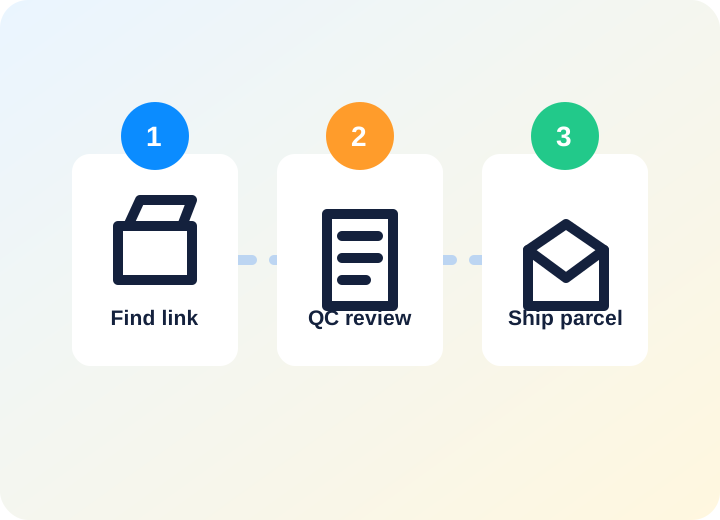
Open the Superbuy Spreadsheet result, inspect the source listing and copy the original marketplace link. Check variant, size, color, stock and seller notes.
Paste the link into Superbuy. If the item parser works, choose options directly. If not, fill a manual shopping agent order with clear remarks.
The first payment usually covers product cost and China domestic shipping. Add destination, remarks and optional services only when needed.
Superbuy contacts the seller and buys the item. Watch order messages in case extra information, price difference or seller issue appears.
After warehouse arrival, review QC photos. Ask for detailed photos or re-inspection before shipping if identity, sizing or condition is unclear.
Select stored items, enter address details, choose packing requests and compare recommended routes.
The deposit is based on estimated parcel data. Final billing may adjust after actual weight and package size are confirmed.
Use parcel tracking after dispatch. Customs, route backlogs, weather and third-party logistics can affect delivery time.
After delivery, inspect the parcel, confirm receipt and use after-sales support if there is damage, missing content or a shipping issue.
The product price is not the landed cost. Shipping, volume weight, route choice and optional services can change the total.
Do not ship automatically. Check photos for wrong variant, obvious flaws, stains, size tags, missing accessories or packaging damage.
Food, liquids, powders, batteries, electronics, oversized goods and branded items can limit route options or raise customs risk.
Some combinations make route selection harder. Separate fragile, battery, oversized, sensitive and high-value items when needed.
Warehouses provide storage time, but long delays can create extension fees or abandoned-item risk. Plan consolidation dates.
Save order details, QC photos, parcel photos and tracking if you expect to request support later.
Start product discovery on the spreadsheet and copy the original source link.
Open Superbuy SpreadsheetUse direct link order when product options are clear and supported by Superbuy.
Open DIY orderEstimate available routes before building a heavy or sensitive parcel.
Shipping calculator