
1Purchase
- Use the Superbuy Spreadsheet to find a candidate item.
- Paste the item link into Superbuy or submit an enquiry.
- Pay item cost and China domestic shipping first.
Find curated spreadsheet items on w2cspreadsheet.com, then use this site to understand the Superbuy order path: link submission, QC photos, warehouse storage, shipping fees, after-sales and FAQ.
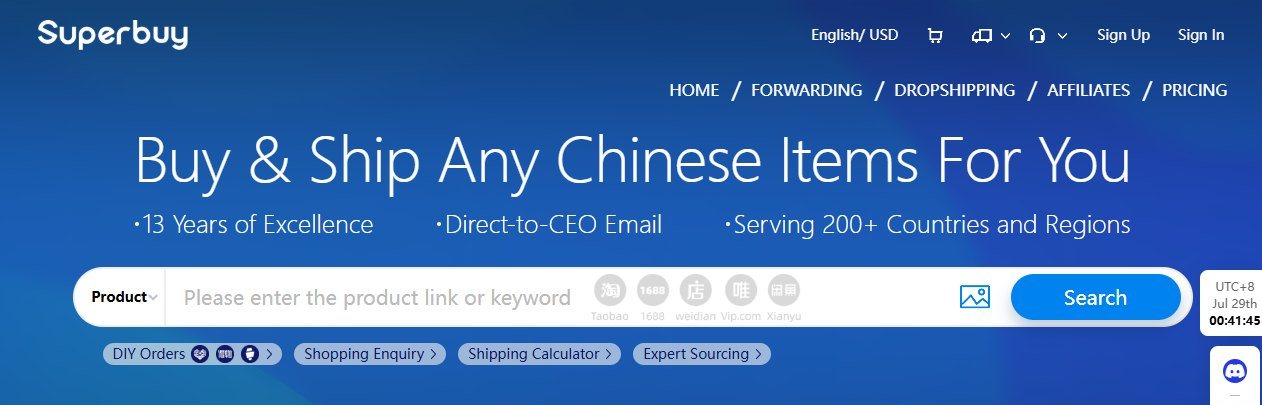
Superbuylinks has removed local product listings. The useful job now is to help visitors move from a Superbuy Spreadsheet find to the right official Superbuy action with less confusion and fewer mistakes.
Superbuy's tutorial and fee guide both make the same pattern clear: you first pay for the domestic purchase, then later submit a parcel and pay international shipping. That separation is the key beginner concept.
Open Superbuy Spreadsheet, filter by category or style, then copy the original China marketplace link rather than relying on a screenshot or vague item name.
Paste the link into Superbuy, choose size/color/quantity, add remarks when needed and pay the product cost plus domestic shipping.
After arrival, review QC photos, request re-inspection or detailed photos when details matter, and decide whether to keep, return or consolidate.
Use the official calculator before submitting a parcel. Weight, volume, destination, restricted items and route type can all change the final cost.
Choose optional services only when they solve a real problem: reinforcement for fragile items, waterproofing for weather risk, or insurance for higher value.
Know what Superbuy can and cannot control. Seller returns, logistics delays, customs, taxes and damaged parcels follow different support paths.
The official Help Center covers account management, shopping agent service, forwarding service, service fees, shipping and after-sales. The sections below are the parts most relevant to a Superbuy Spreadsheet visitor.
Registration, top-up, cards, Wise, WeChat Pay, Alipay, coupons and order payment status.
DIY link order, manual order, shopping enquiry, order status and seller communication.
Inspection photos, detailed photo requests, re-inspection, storage timing and abnormal items.
Route search, mail restrictions, customs, taxation, insurance and parcel tracking.
Product cost, domestic shipping, international freight and optional packing services.
Returns, refunds, missing items, damaged parcels, complaints and support contact routes.
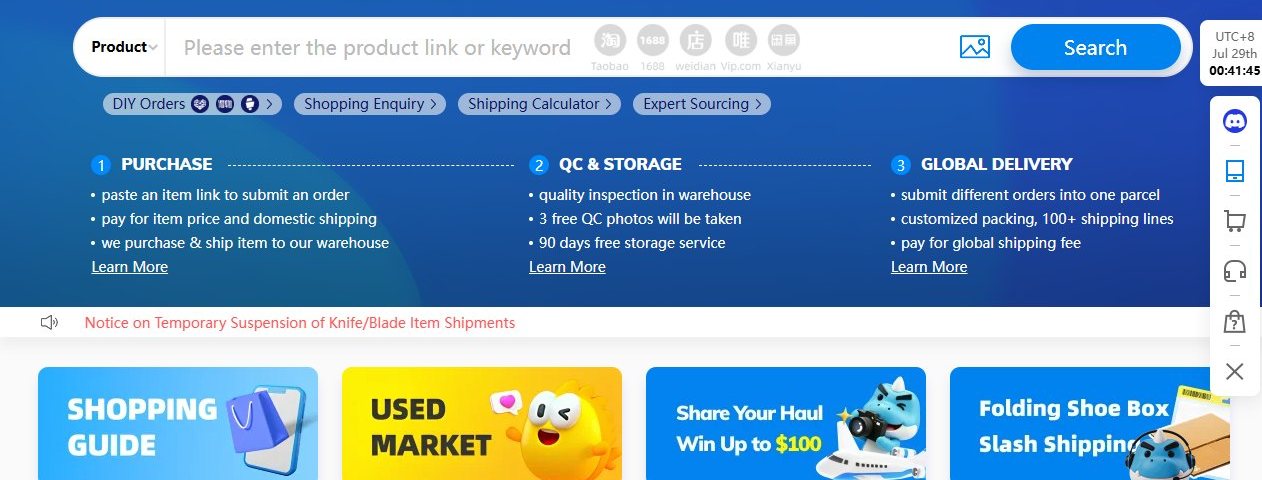
This is a condensed version of the official user guidance, adapted for people who start from a spreadsheet link.
Find the item on Superbuy Spreadsheet and open the original marketplace link. Confirm the listing still exists and options are clear.
Paste the link into Superbuy. If Superbuy cannot capture options automatically, fill a shopping agent order manually.
Pay product price and domestic shipping. Add remarks for size, color, seller notes or value-added requests.
When the item reaches the warehouse, check standard inspection photos and request extra checks if the item is sensitive.
Submit stored items for delivery, choose a route, select packing services and pay the international shipping deposit.
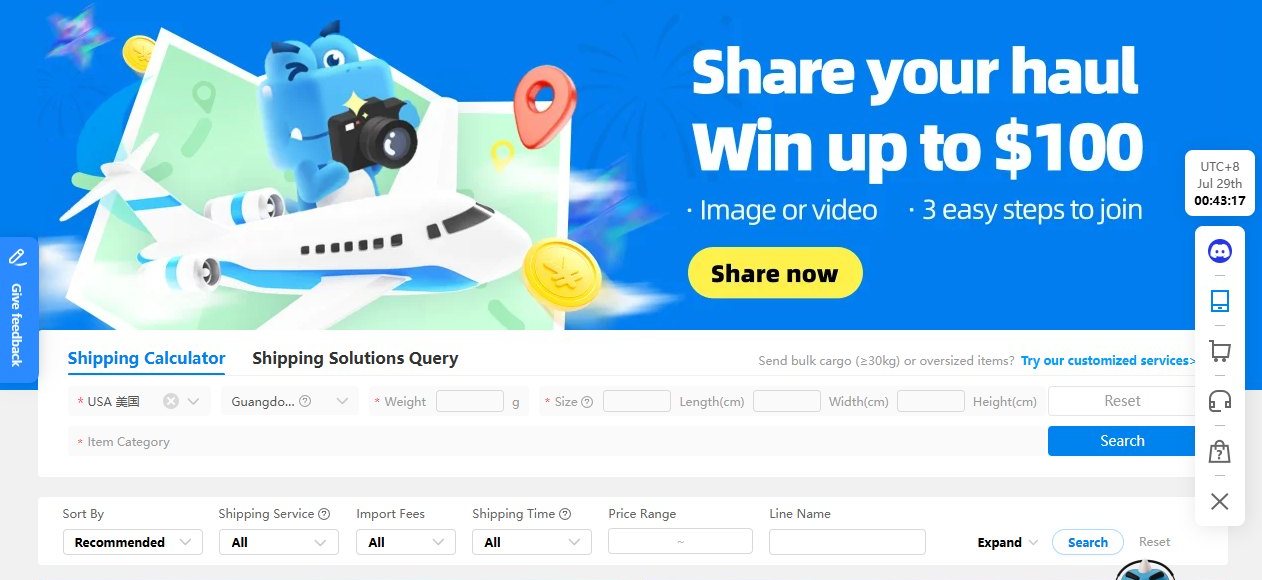
The item price is only one part of a Superbuy purchase. The official fee structure separates product cost, domestic shipping, international shipping and optional value-added services.
No. This site is an independent navigation and editorial guide. Product discovery links point to w2cspreadsheet.com, while purchases, payments, QC, warehouse and parcel services happen on official Superbuy.
The product database was removed so the site can focus on higher-value navigation: spreadsheet discovery, Superbuy help topics, tutorials, shipping decisions and FAQ content.
Check the live listing, seller options, size chart, photos, stock, domestic shipping, return possibility, restricted-item risk and likely international shipping category.
Use Shopping Enquiry or Expert Sourcing when the listing is unclear, the item is expensive, the item may be restricted, or you need manual seller communication.
Seasonal discounts can lower shipping cost, but dates, route rules and destination coverage matter.
Check official homepageOfficial notices may reopen postal or special routes by destination. This can change whether a spreadsheet item is practical to ship.
Official noticesDuty-free, tax-free and air cargo route pricing can change. Recalculate before submitting a parcel.
Recalculate parcel